Email marketing
Bring past guests back for another booking
Email your guests from your restaurant's own domain: a new menu, an offer, an evening you're planning. Choose who hears from you by their booking history, send it now or at a set time, and see the bookings recipients made in the week after.
- Basic is free forever
- No credit card required
Your own domain · Booking-history audiences · Ready-made templates · Included with Growth
Why venues send with TableGo
Built on the guest list you already have
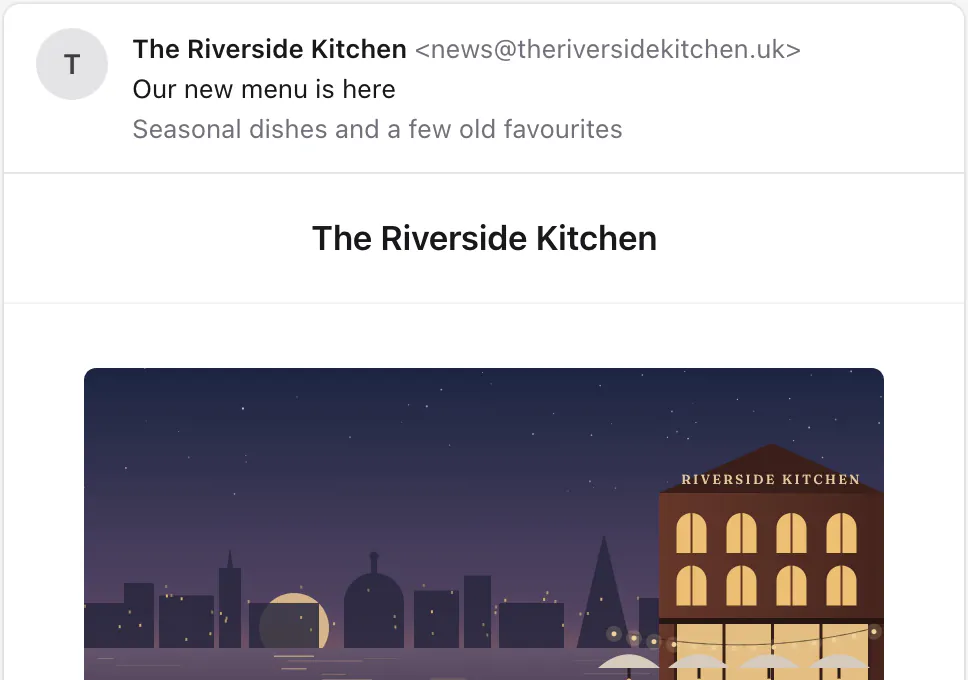
Your restaurant's name in the inbox
Campaigns come from your own domain, signed so inboxes know they're really from you. Guests' replies go to an inbox your team checks.
The right guests, from their bookings
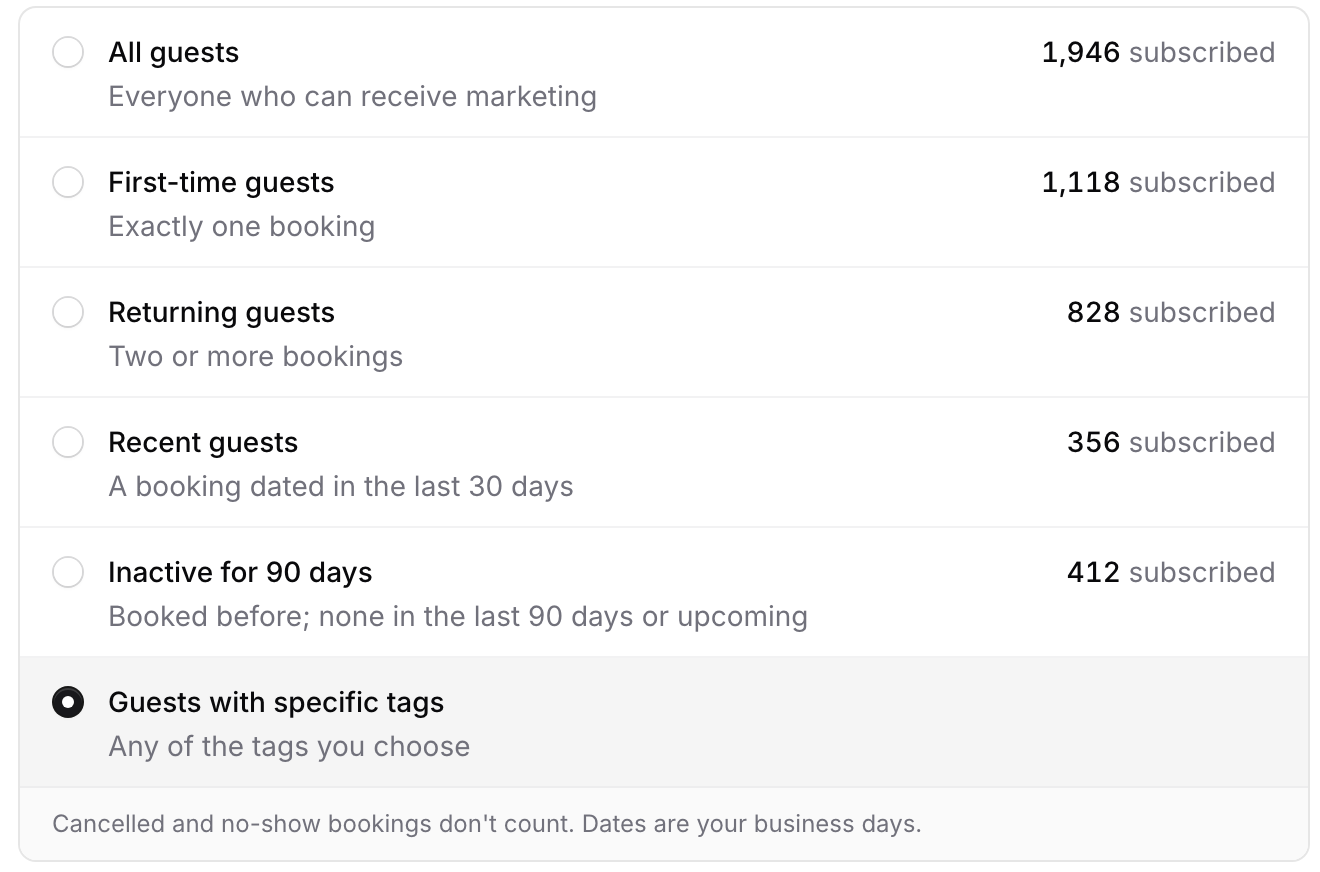
First-time, returning, recent or inactive for 90 days, or any of your guest tags. The count beside each option updates as you choose.
Ready-made emails, made yours
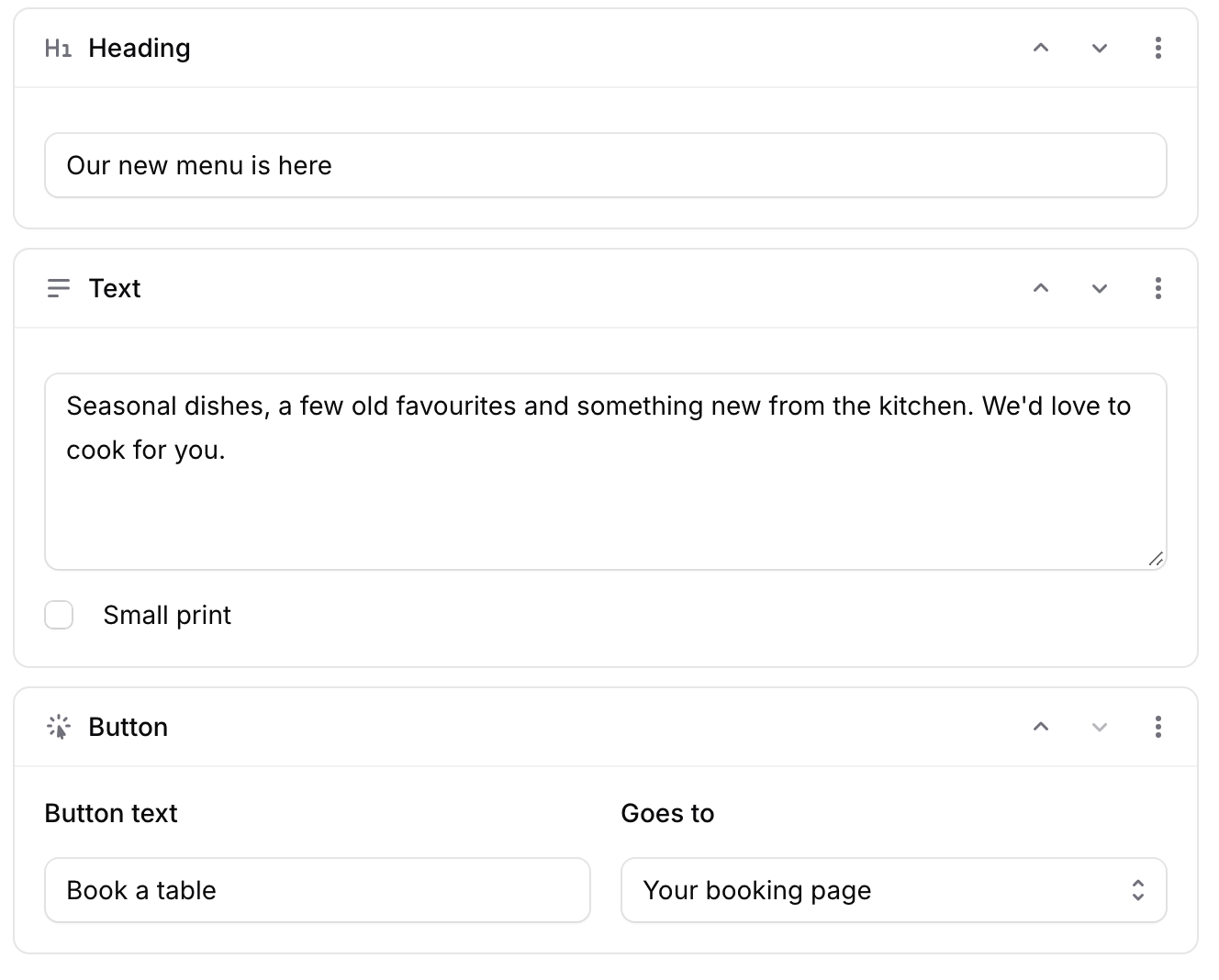
Start from an announcement, an offer, an event or a plain letter, with your photo and a button to your booking page. Change, move or remove any part.
Unsubscribes handled for you
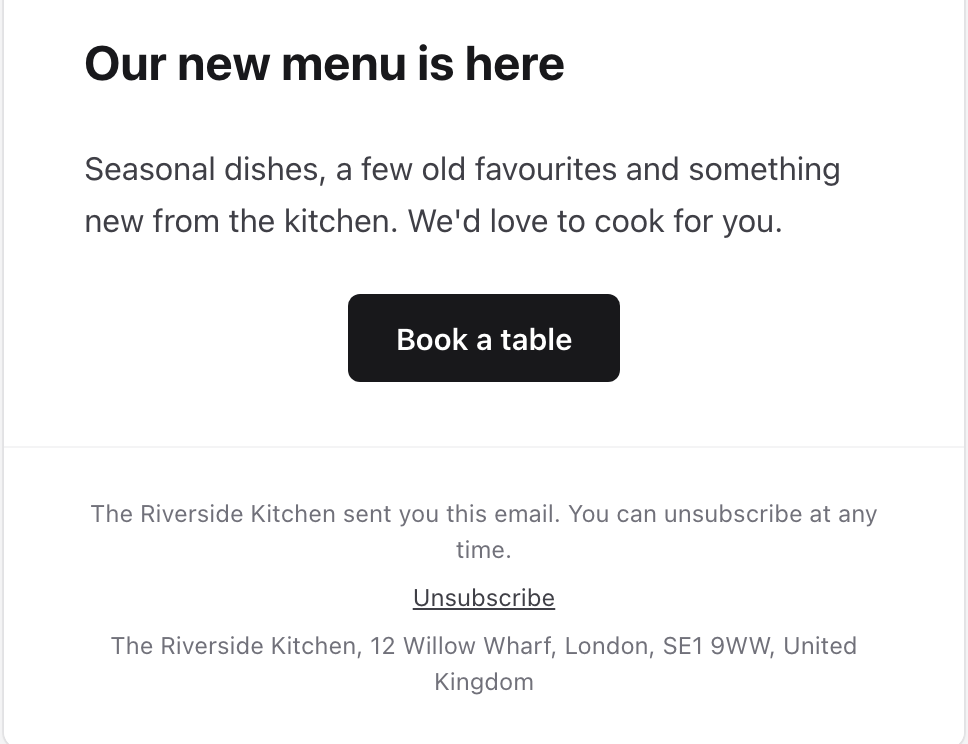
Every email has an unsubscribe link and your address. Unsubscribes, bounces and spam reports update your guest list straight away.
Who hears from you
Only guests who can hear from you
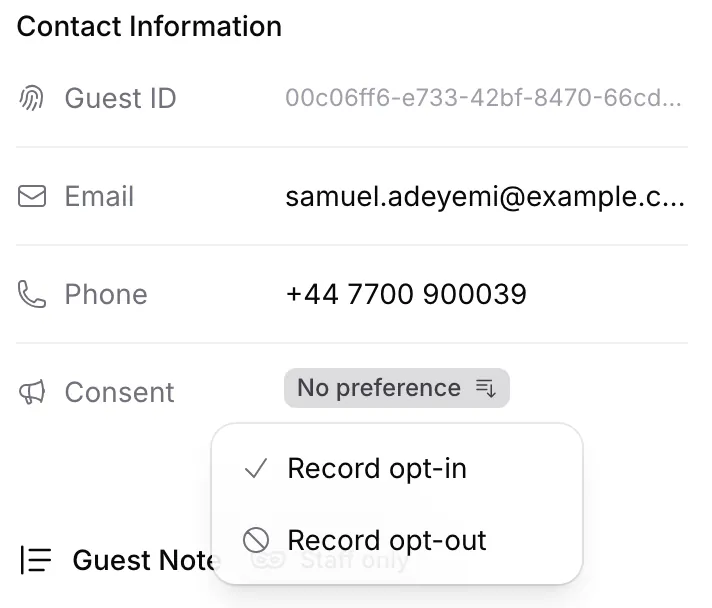
TableGo already knows each guest's marketing preference for your restaurant, from the box they ticked at booking, at a voucher or event checkout, or from what they told your team.
- Subscribers by default
- Every campaign starts with guests who opted in. That's the recommended choice.
- No preference, only on your say-so
- Guests who haven't opted in or out are left out unless you include them, and an Owner or Manager confirms your restaurant is entitled to email them.
- Opt-outs always respected
- Guests who unsubscribed, whose address bounces or who reported spam are never included.
- Never too often
- A guest gets at most one campaign from you every 72 hours, and anyone who opts out before sending is skipped. Guest marketing preferences
Campaign reports
See what happened after you sent it
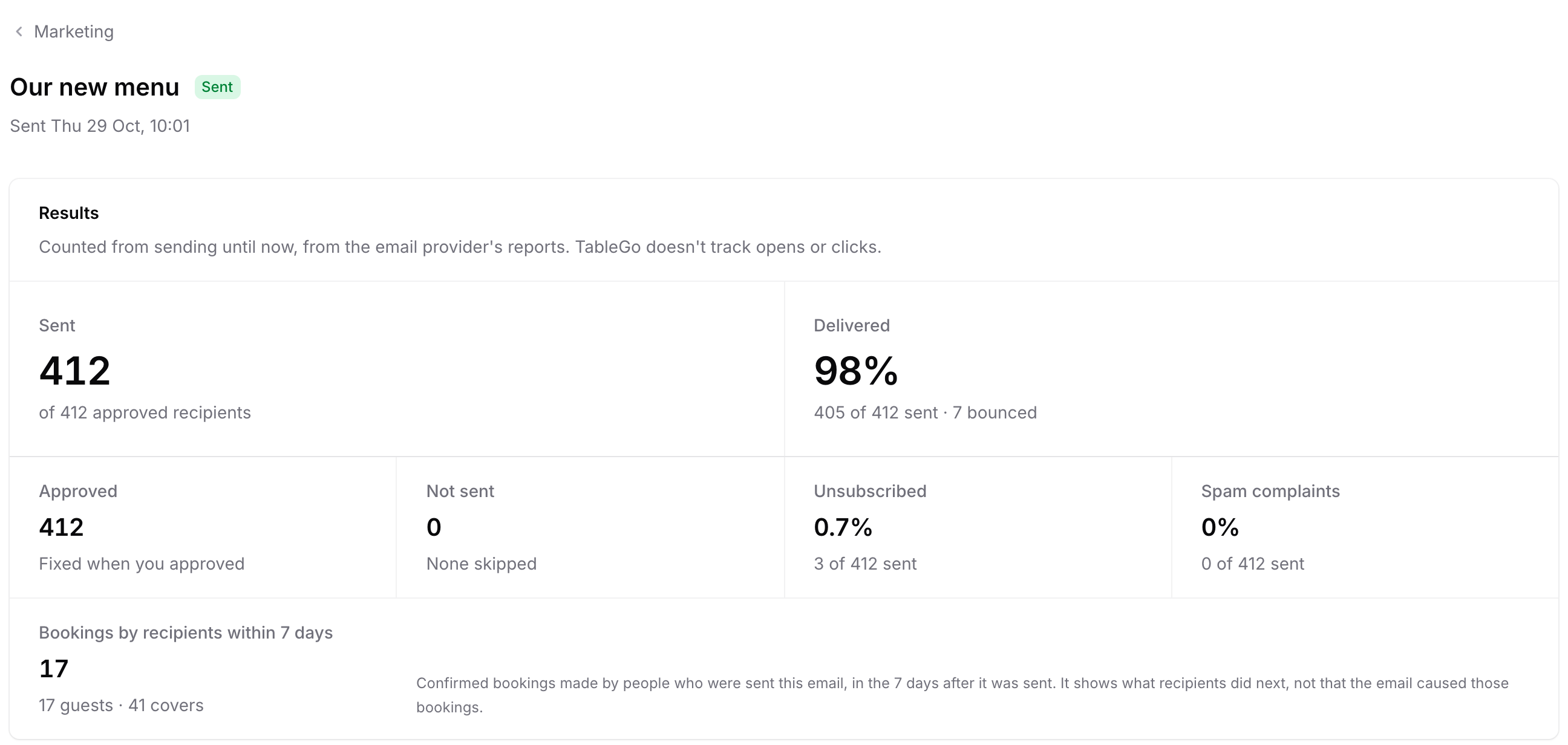
Each campaign's report shows what was delivered, who unsubscribed, any spam complaints, and the confirmed bookings recipients made in the 7 days after. TableGo doesn't track opens or clicks.
Handled for you
Sending done properly, without the busywork
Bounces and spam reports
Addresses that bounce and guests who report spam are left out of every later campaign, automatically.
The legal footer
Your restaurant's name and postal address go in the footer of every campaign, as the law requires.
Limits that protect your domain
Up to 10,000 emails a month, 2 campaigns in any 7 days and one campaign per guest every 72 hours keep your emails welcome.
A pause if something looks wrong
If spam reports or bounces climb, TableGo pauses sending for your restaurant to protect your domain, and talks it through with you.
How it works
From your domain to a full book
- 1
Verify your domain once
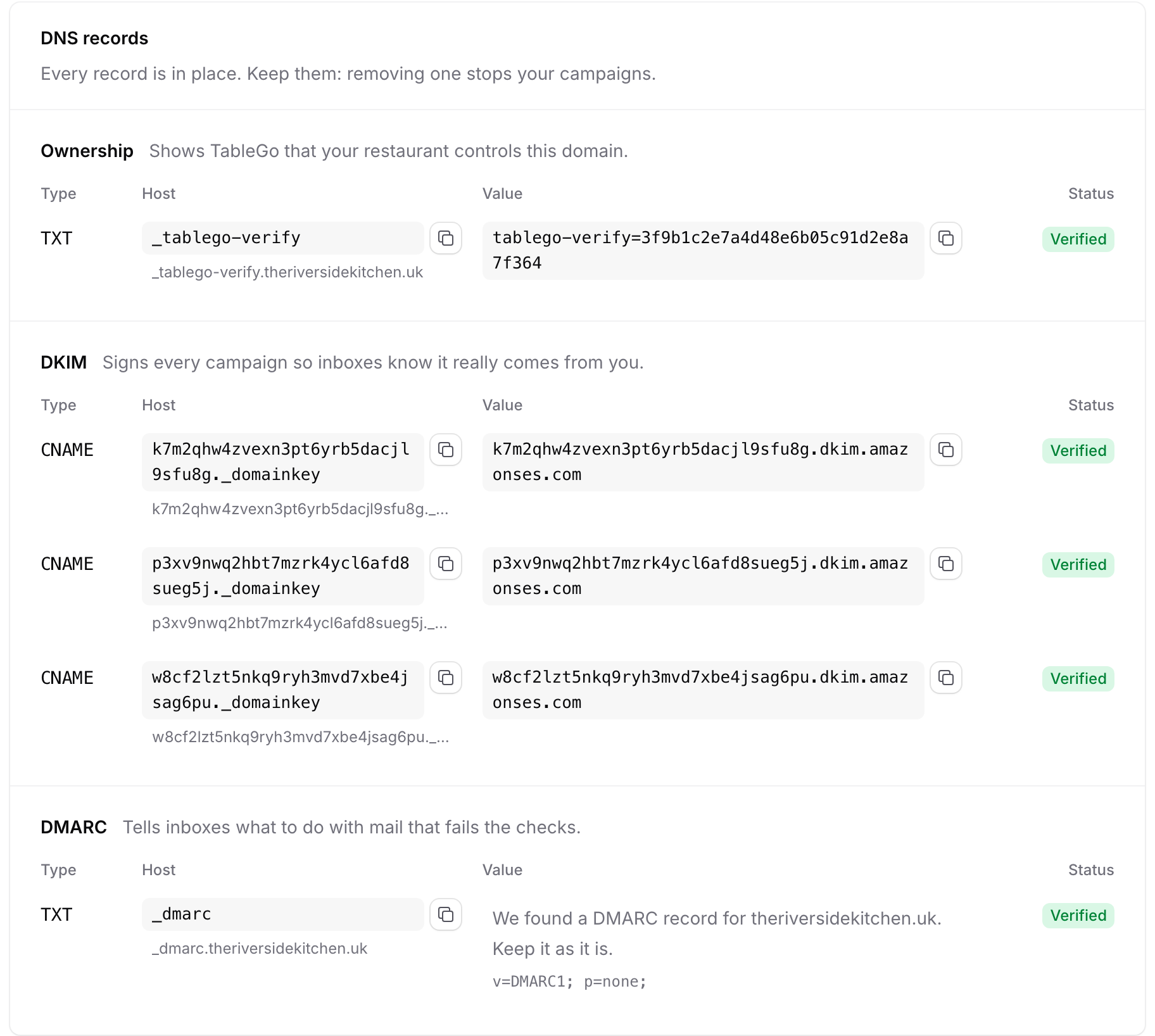
Add the DNS records TableGo shows where your domain is managed. TableGo checks them automatically, and most domains verify within an hour.
- 2
Write the campaign
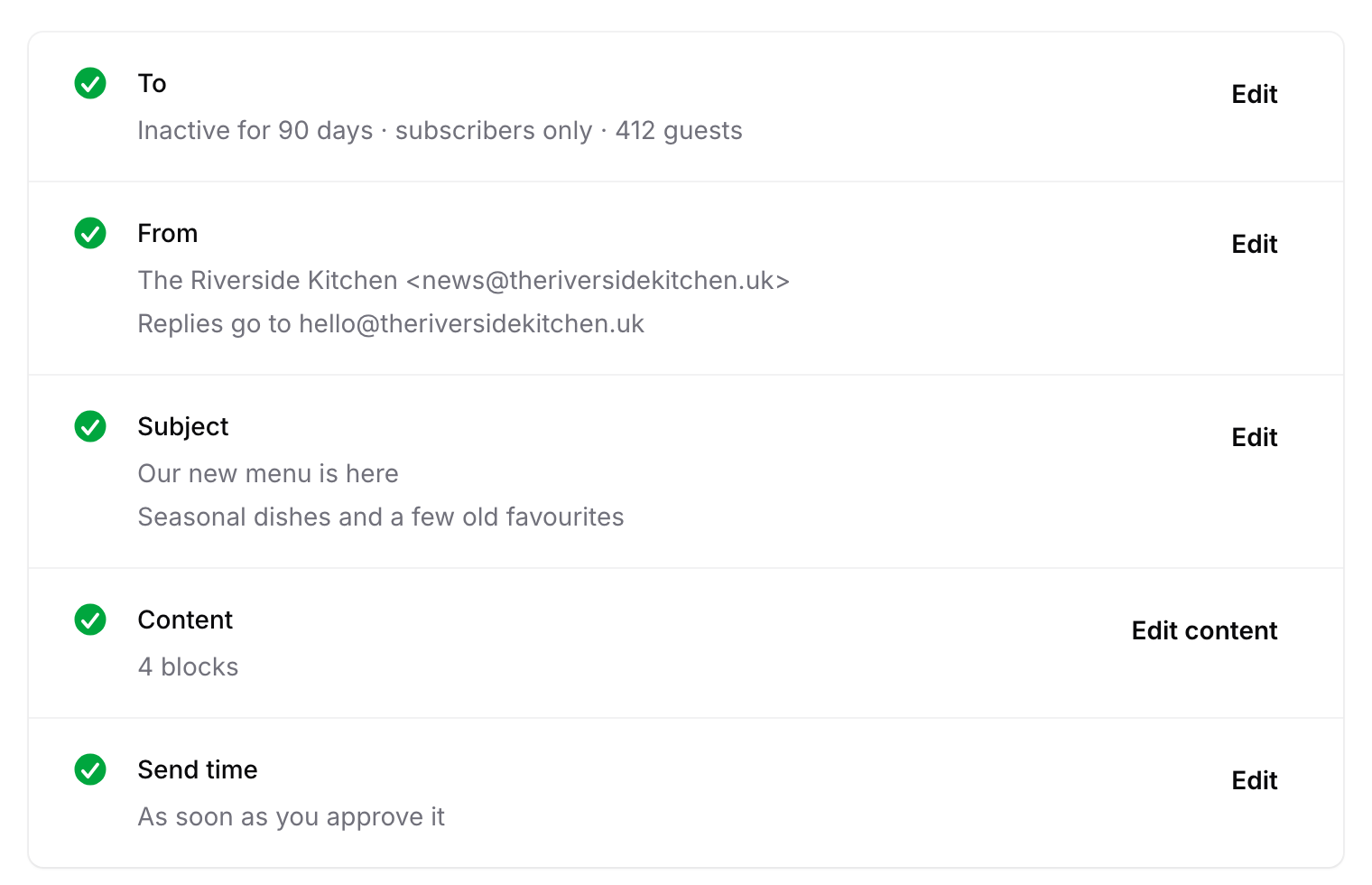
Pick a template, choose who it goes to and write the subject. Send yourself a test to see it in a real inbox; every change saves as you go.
- 3
Approve and send
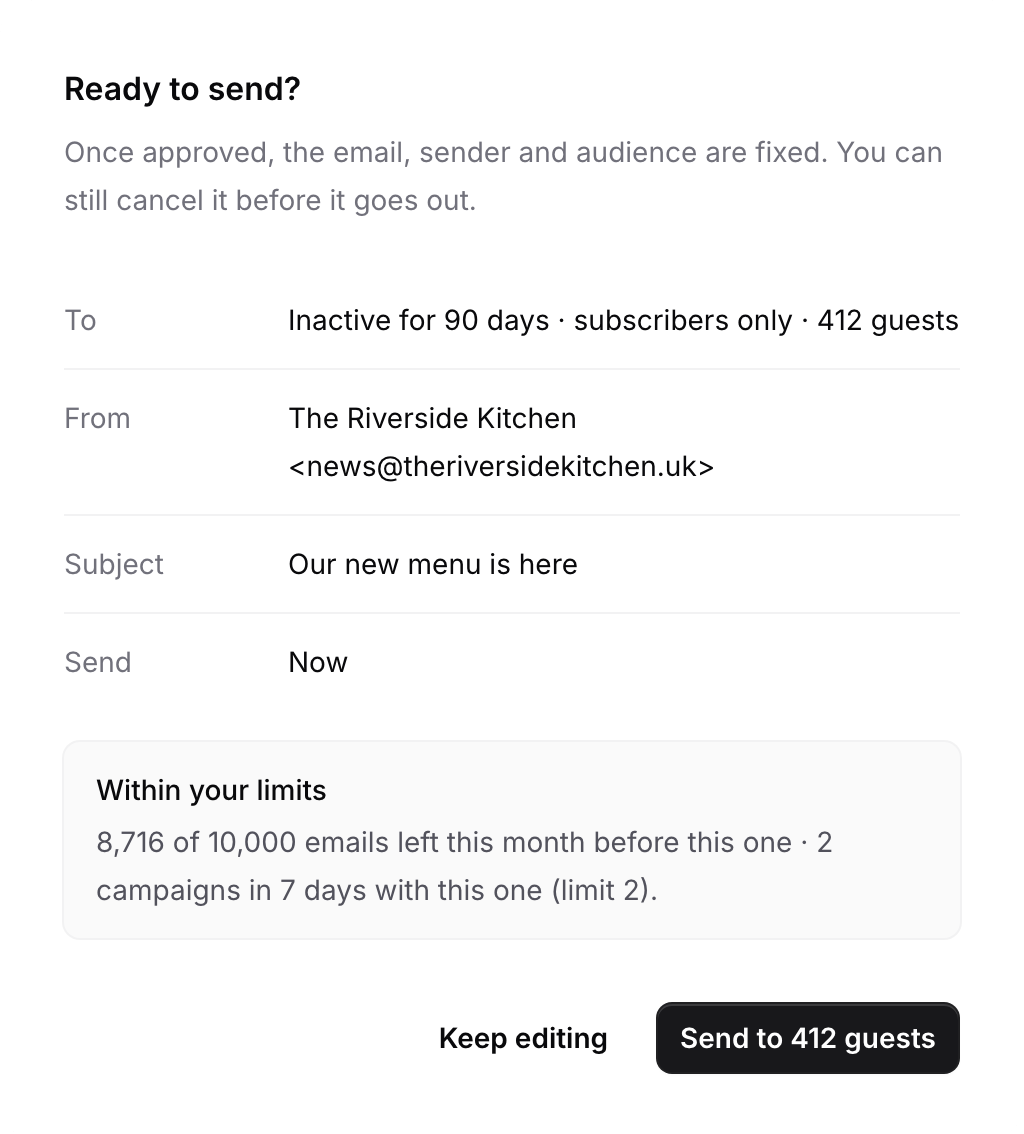
Check who it goes to, the sender and your monthly allowance, then send now or schedule it. The recipient list is fixed when you approve.
Plans and access
Who can do what
- Plans
- Marketing is part of the Growth plan: £199 a month per venue, with everything in Pro. On Basic and Pro, Marketing shows what's included, and the owner can upgrade from there.
- Owners and Managers
- Write, approve and send campaigns, choose audiences, confirm guests with no recorded preference, and manage Sender settings.
- Staff and Viewers
- No access to Marketing. Staff can record a guest's opt-in or opt-out on the guest's profile.
- Allowance and limits
- Up to 10,000 marketing emails a month per venue, 2 campaigns in any 7 days, and one campaign per guest every 72 hours. Test emails don't count.
- What you need
- A domain your restaurant owns, usually your website's, and your full business address for the footer. Gmail, Outlook and other free addresses can't send marketing.
- Help getting started
- Growth includes help setting up Marketing, from your domain to your first campaign.
Questions venues ask
Do I need my own domain?
Yes. Campaigns come from your restaurant's own domain, such as news@yourrestaurant.co.uk, so guests recognise you and inboxes trust the email. You add a few DNS records once, and TableGo checks them and tells you when you're ready to send.
Who receives my campaigns?
Guests who opted in, unless you choose otherwise. Guests with no recorded preference are included only if you choose to and an Owner or Manager confirms your restaurant is entitled to email them. Guests who opted out, whose address bounces or who reported spam are never included.
How do guests unsubscribe?
Every campaign has an unsubscribe link. One click opts the guest out of marketing from your restaurant, and their profile shows Opted out straight away. Booking confirmations and reminders aren't affected.
Can I see opens and clicks?
No. TableGo doesn't track opens or clicks. Each report shows what was delivered, unsubscribes and spam complaints, and the confirmed bookings recipients made in the 7 days after the email.
How many emails can I send?
Up to 10,000 marketing emails a month per venue and up to 2 campaigns in any 7 days. Each guest gets at most one campaign from you every 72 hours.
Can I schedule a campaign?
Yes. Send it as soon as you approve it, or at a date and time in your restaurant's time. Until it goes out, you can take it back to a draft or cancel it.
I already use Mailchimp. Can I keep using it?
Yes. On Pro and Growth you can export your guest list, with each guest's marketing preference, for any email tool. With Marketing you don't need to: unsubscribes, bounces and spam reports stay in step with your guest list.
What does Growth cost?
£199 a month per venue, billed monthly; cancel any time. It includes everything in Pro, including 0% TableGo platform fees, plus Marketing.
Send your first campaign this week
Move to Growth, verify your domain and start from a template. We'll help you set it up.
- Basic is free forever
- No credit card required