Deposits & no-show protection
Restaurant deposit booking system
Take deposits for large parties and busy nights to cut no-shows and protect your revenue. Set flexible rules, collect payment securely with Stripe, and handle refunds from your dashboard.
- Stripe-powered payments
- 0% platform fee on Pro
- Per-person or per-booking
- Flexible deposit rules
- Easy refunds
- No per-cover fees
No-shows quietly cost restaurants thousands every year — empty tables on your busiest nights that could have been filled. A deposit booking system asks guests to pay a small amount to confirm, which dramatically reduces no-shows while keeping booking simple for genuine guests.
TableGo lets you require deposits exactly when it matters — large parties, peak times or special events — using secure Stripe payments. Deposits go to your own Stripe account, and Pro charges 0% TableGo platform fee.
Deposit examples you can set up
Mix and match rules so you only take deposits where the risk is highest.
£10 per guest for 6+
Require a per-person deposit on larger parties, where a no-show hurts most.
Saturday dinner deposits
Add a deposit on your busiest evening service to protect prime tables.
Valentine's & Christmas
Secure high-demand dates and set menus with a deposit per cover.
Private dining
Take a larger deposit for private rooms and group bookings.
Bottomless brunch
Pre-pay or deposit to lock in popular weekend sittings.
New Year's Eve
Protect a fully-booked night with deposits on every reservation.
How deposits work in TableGo
- Create deposit rules: Set deposits by day, time, party size or event — per person or per booking. Rules can stack for precise control.
- Connect Stripe: Complete Stripe Connect onboarding so deposits go directly to your own account.
- Guests pay at booking: When a booking matches your rules, the guest pays via Stripe Checkout to confirm their table.
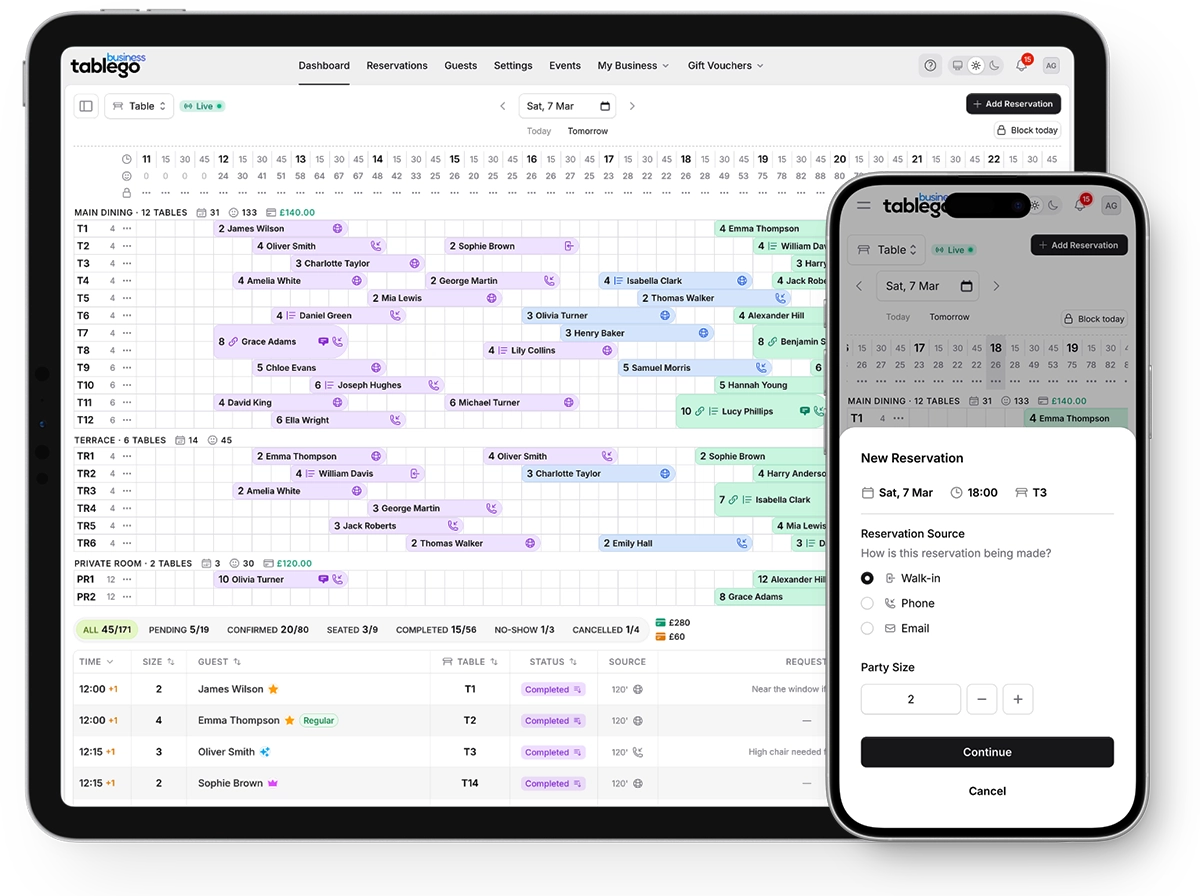
- Track on every reservation: Deposit status is shown on each booking so your team always knows what's been paid.
Refunds and no-show handling
You stay in control of your policy. If a guest cancels within your refund window, you can process a full or partial refund in a few clicks — or directly in Stripe.
For genuine no-shows, you keep the deposit, recovering some of the lost revenue from the empty table. Clear deposit terms shown at booking also set expectations and deter casual cancellations.
Frequently asked questions
How much should I charge for a deposit?
Common approaches are £10–£20 per person for large parties, or a flat amount for peak times and events. The goal is to deter no-shows without discouraging genuine bookings.
When are deposits collected?
Deposits are collected during the booking flow. If a booking matches your deposit rules, the guest is directed to Stripe Checkout and must pay to confirm their reservation.
What fees apply to deposits?
Stripe charges standard card processing fees on the payment. TableGo's platform fee on deposits is 3.5% on the free Basic plan and 0% on Pro and Growth. There are no per-cover fees.
Can I refund a deposit?
Yes. You can process full or partial refunds from the reservation detail page or directly in your Stripe dashboard, in line with your cancellation policy.
Do deposits work for set menus and events?
Yes. You can require deposits for special dates and set menus, and use ticketed events for fully pre-paid experiences like tasting menus and themed nights.
Keep exploring
Deposits feature overview
A deeper look at deposit rules, Stripe setup and refunds.
Read moreRestaurant event ticketing software
Sell fully pre-paid tickets for special menus and events.
Read moreRestaurant reservation system
Deposits are part of the full TableGo booking platform.
Read moreBooking system with no per-cover fees
Flat pricing on top of 0% platform fees for deposits on Pro.
Read morePricing & plans
See where deposits sit across Basic, Pro and Growth.
Read moreOnline gift vouchers for restaurants
Another way to bring revenue forward with prepaid sales.
Read moreCut no-shows on your busiest nights
Start free and set up deposit rules in minutes, or see TableGo in 15 minutes if you want a walkthrough.