Reserve with Google
Reserve with Google for restaurant bookings
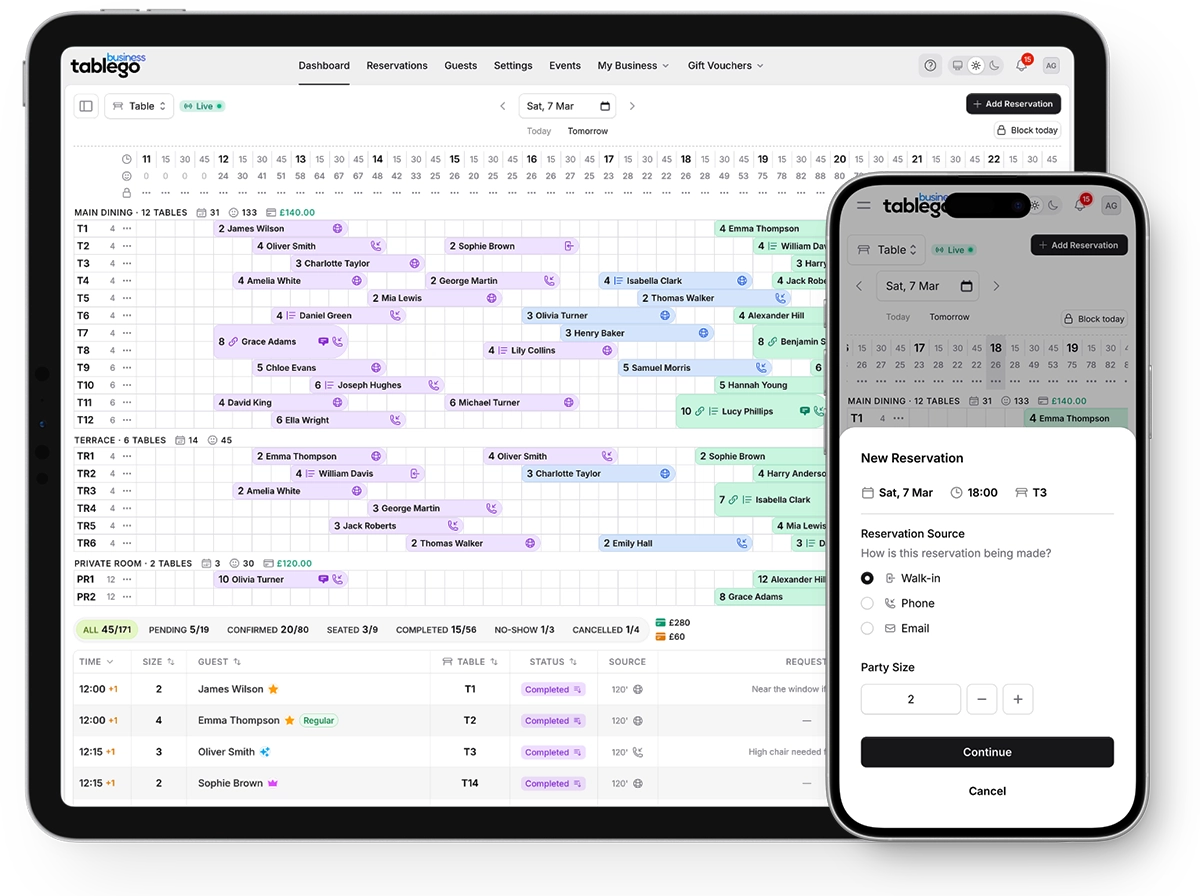
Reserve with Google lets diners book a table directly from your Google listing on Search and Maps. With TableGo on the Pro plan, those bookings flow straight into your dashboard.
- Bookings from Google Search & Maps
- Direct-booking strategy
- You own your availability
- No per-cover fees
- Available on the Pro plan
Most people discover restaurants on Google. Reserve with Google adds a 'Reserve a table' button to your Google Business Profile on Search and Maps, so a diner can book in a couple of taps without leaving Google.
Bookings made this way come through your connected reservation system rather than a paid marketplace, which makes Reserve with Google a strong fit for a direct-booking strategy. TableGo supports this integration on the Pro plan — contact us and we'll switch it on for your restaurant.
How Reserve with Google works
- Discovery on Google: A diner finds your restaurant on Google Search or Maps, where most local searches happen.
- Book in place: They tap 'Reserve a table', pick a time from your live availability and confirm — without leaving Google.
- Straight to your dashboard: The booking is created in TableGo like any other reservation, with the guest added to your database.
- You stay in control: Your availability, booking rules and guest data remain yours — Google is a channel, not the owner of the relationship.
Why it suits a direct-booking strategy
Reserve with Google helps you capture demand at the exact moment a guest is searching for you, then sends that booking to a system you control. Combined with your website widget and your TableGo page, it reduces your reliance on per-cover marketplaces while still meeting guests where they already are.
Because TableGo doesn't charge per-cover fees, bookings from Google don't come with a fee on every diner — you keep predictable flat pricing.
How to get set up
Reserve with Google is available to TableGo restaurants on the Pro plan. If this channel is important to you, see TableGo in 15 minutes or contact support and we'll enable it for your restaurant and help you configure your Google Business Profile booking link.
You can also take direct bookings through your TableGo page and an embeddable widget on your own website, and point your Google Business Profile at your TableGo booking link.
Frequently asked questions
What is Reserve with Google?
Reserve with Google adds a 'Reserve a table' button to a restaurant's Google listing on Search and Maps, letting diners book directly from Google through a connected reservation system.
Does TableGo support Reserve with Google?
Yes. Reserve with Google is available on the TableGo Pro plan. See TableGo in 15 minutes or contact support and we'll enable it for your restaurant and help you prepare your Google Business Profile.
Will Google bookings cost a fee per cover?
No. TableGo doesn't charge per-cover fees on any plan. Bookings from Google come into your dashboard under the same flat monthly pricing as your other reservations.
Can I take bookings from Google today?
Yes. On the Pro plan we can enable the native in-Google 'Reserve a table' button so guests book without leaving Google. You can also link your Google Business Profile to your TableGo booking page on any plan.
Do I keep ownership of guests booked via Google?
Yes. Bookings come into TableGo as normal reservations and build your own guest database, with profiles, tags and notes you can export at any time.
Keep exploring
Restaurant reservation system
The full booking platform that Google bookings flow into.
Read moreBooking system with no per-cover fees
Flat pricing on every booking, including from Google.
Read moreOpenTable alternative
Move from per-cover marketplace bookings to direct bookings.
Read morePricing & plans
See where Reserve with Google sits across the plans.
Read moreRestaurant reservation system pricing
Understand pricing models and what TableGo costs.
Read moreCompare TableGo
Honest comparisons with the major booking platforms.
Read morePlan your direct-booking strategy
Give us 15 minutes and we'll show what Reserve with Google on TableGo involves, or start free and take direct bookings today.