Real-time Notifications
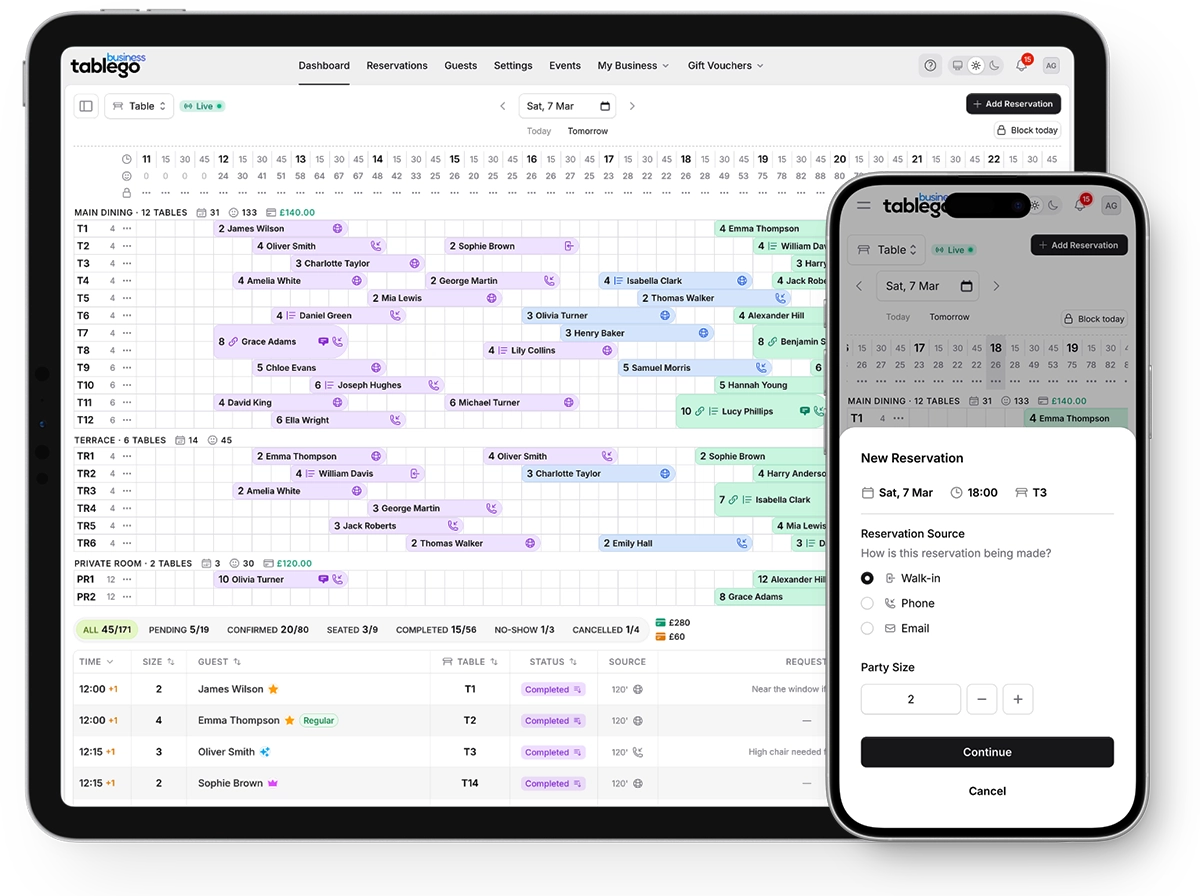
Never miss an important update. Get real-time notifications when guests book, cancel, or leave reviews. Your dashboard updates instantly across all devices, so your team always has the latest information.
Last updated: 23 Jan 2026
Key benefits
A quick overview of what you get with real-time notifications.
Stay on top of every booking with instant push notifications
How it works
Notifications appear instantly
When a guest books, cancels, or leaves a review, a notification appears in your dashboard immediately—no refresh needed.
Check your notification bell
The bell icon in your navigation shows an unread count. Click to open the notification drawer and see all recent activity.
Take action with one click
Click any notification to jump directly to the relevant reservation or review. Handle issues quickly without searching.
Stay in sync with your team
All team members see the same notifications in real-time. When one person handles an issue, everyone's dashboard updates.
Frequently asked questions
Do I get notifications on my phone?
Currently, notifications appear in the TableGo dashboard. Mobile push notifications are on our roadmap for a future update.
Can I customise which notifications I receive?
You receive notifications for bookings, cancellations, and reviews by default. You can customise email notification preferences from Profile → Preferences.
How far back does the notification history go?
Your notification drawer shows recent activity. Older notifications are automatically archived to keep your dashboard clean.
Do all team members see the same notifications?
Yes. All team members with dashboard access see the same notifications, so everyone stays informed about restaurant activity.
Ready to try real-time notifications?
Create your free account today. No credit card required.